Payments and tax
The customer pays. Everything else is done.
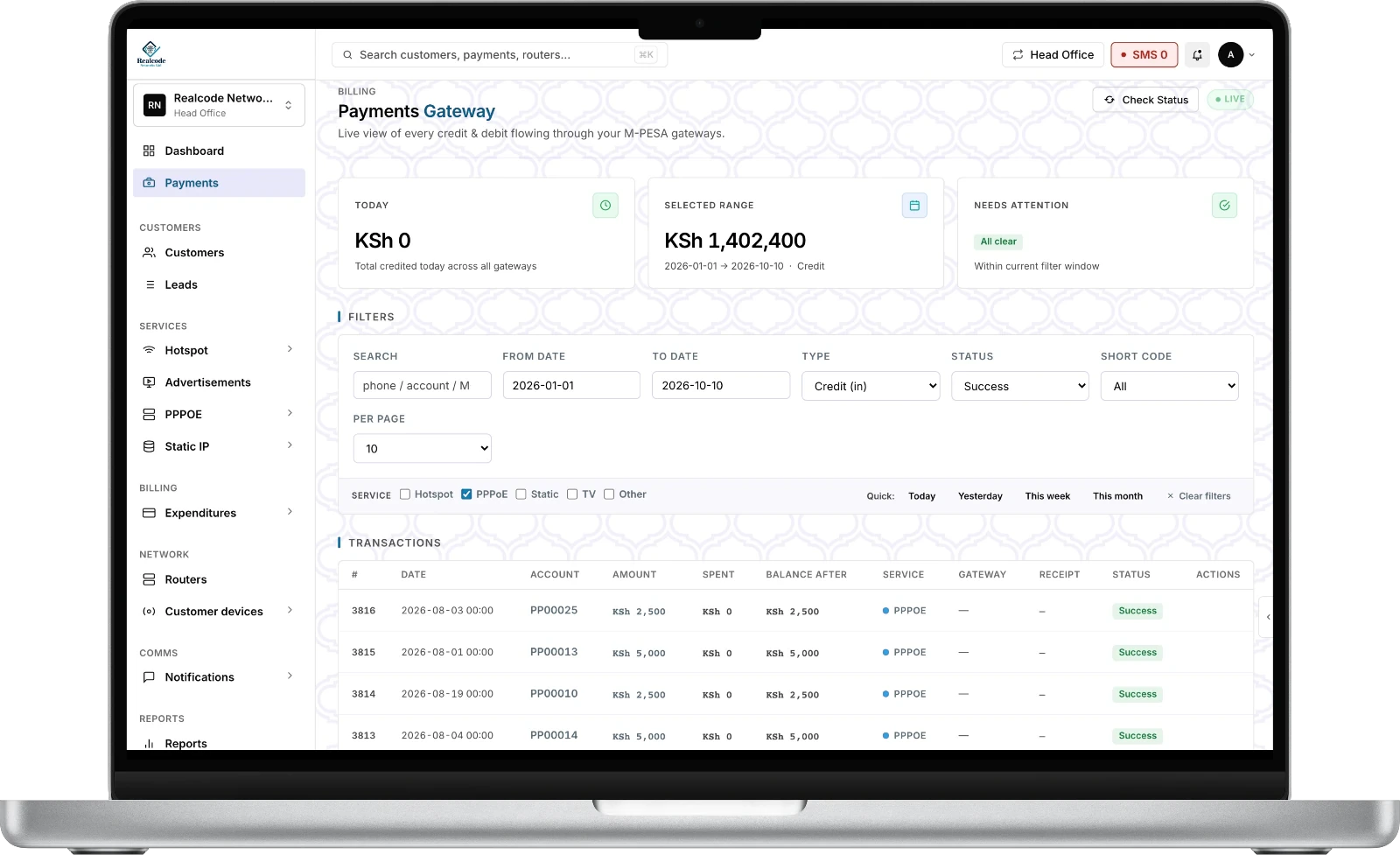
M-PESA STK Push, Paybill, Till and bank accounts are reconciled the moment money lands, and a KRA eTIMS invoice is filed with it.
From payment to invoice
Four steps, no one involved.
1 · PaySTK PushPaybill, Till or bank, the customer's choice.
2 · Confirm<1 secondM-PESA confirms and the payment is reconciled.
3 · ActivateAccount onHotspot, PPPoE or Static account activates or renews.
4 · FileeTIMS invoiceKRA-compliant invoice with VAT and an audit trail.
Collect your way
Pick how the money reaches you.
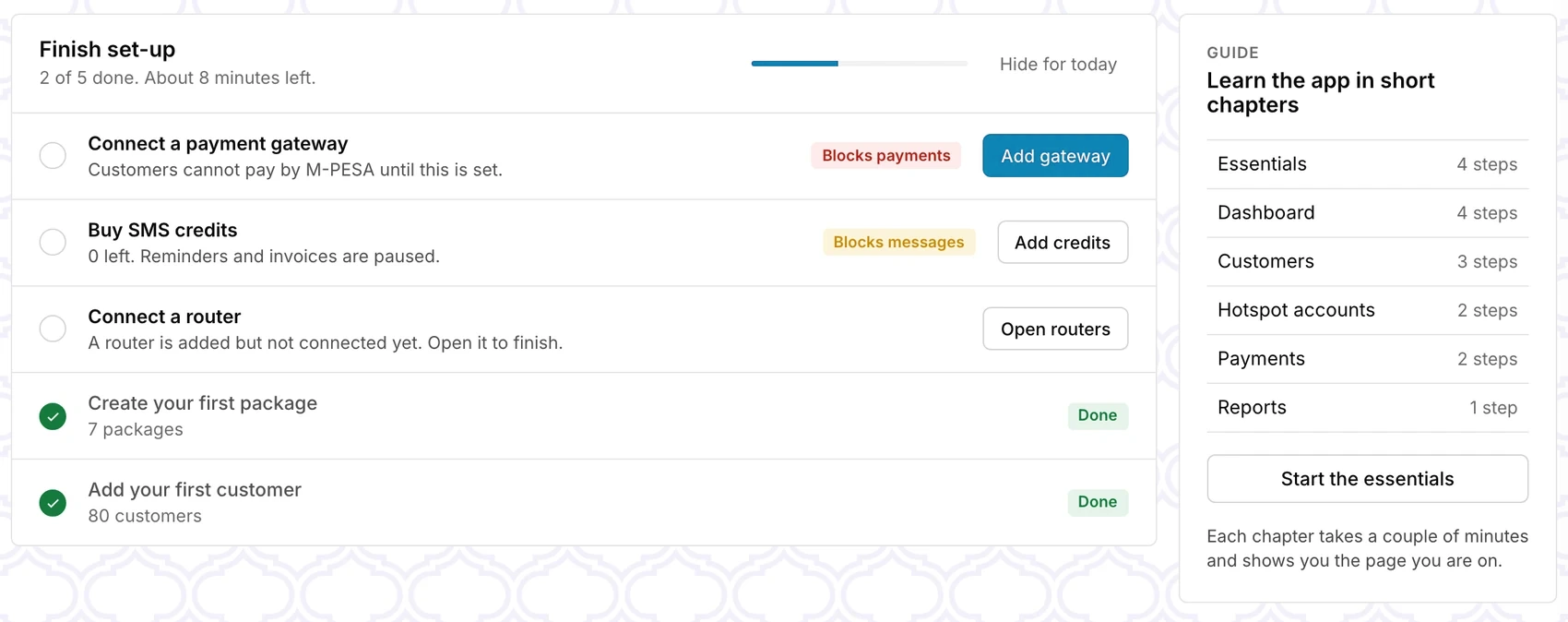
Set it up in minutes. Tests send a real KES 1 prompt, so you know it works before a customer pays.
Personal till
Enter only your till number. Your name shows on the M-PESA prompt, and payments are matched to your till.No Safaricom keys
Bank account
Use a bank's paybill and your account number. An account ending in # gets the customer's account appended.No Safaricom keys
Your own Daraja app
Bring your own paybill or till. Keys are checked with Safaricom before saving, and the payment URLs are registered for you.Paybill or business till
Kopo Kopo
Collect through your Kopo Kopo account. Paste the Client ID, Client Secret and API key from your Kopo Kopo application, add the webhook, and payments reconcile like any other.Your Kopo Kopo till

Tax
KRA eTIMS, filed for you.
Every payment produces a KRA-approved digital invoice. VAT is computed and synced live, with no manual filing.
100%
of payments produce an eTIMS invoice
Live
sync with the KRA portal and full VAT records
Audit
trail you can export for your accountant
P&L
expenses logged beside revenue, per branch
Next