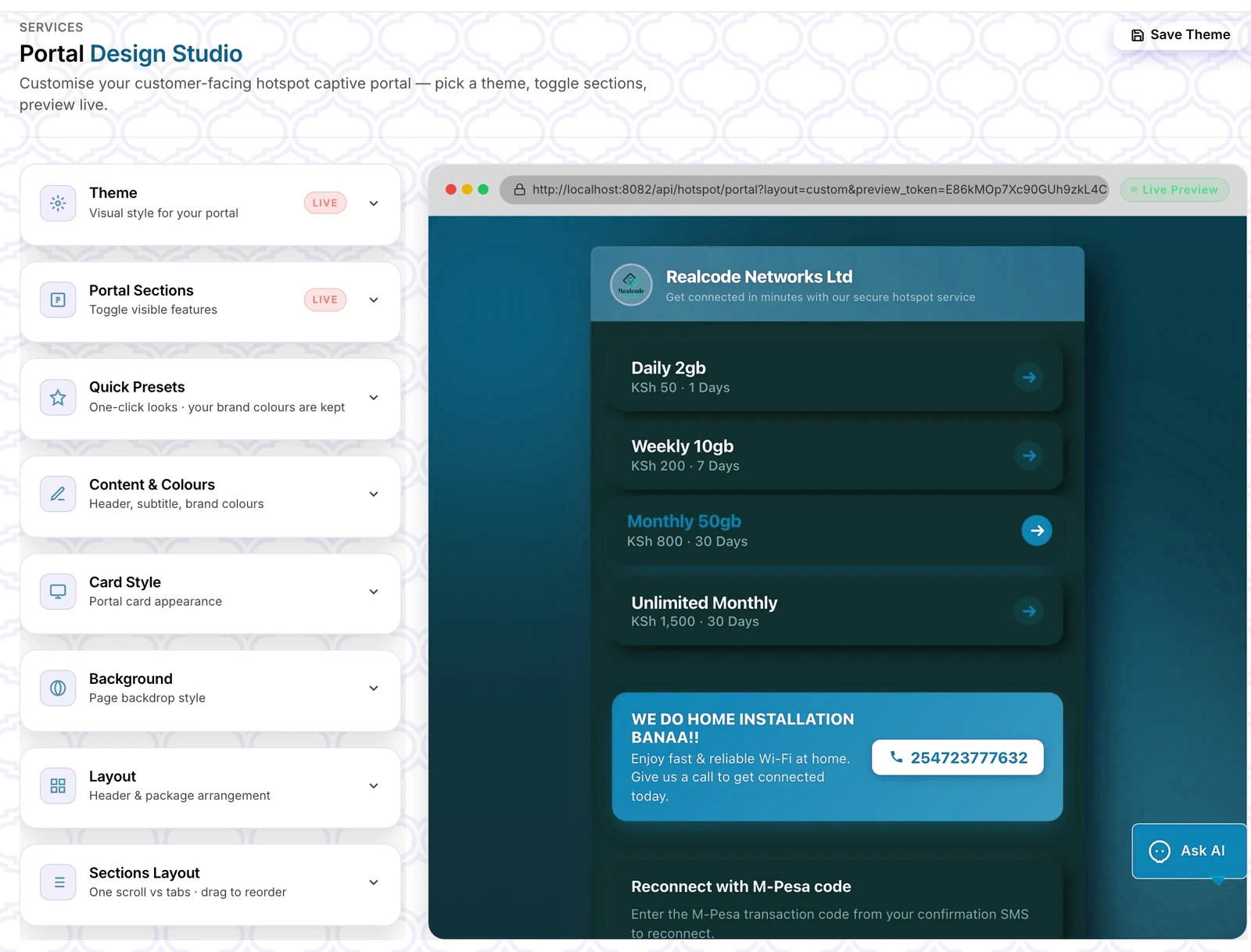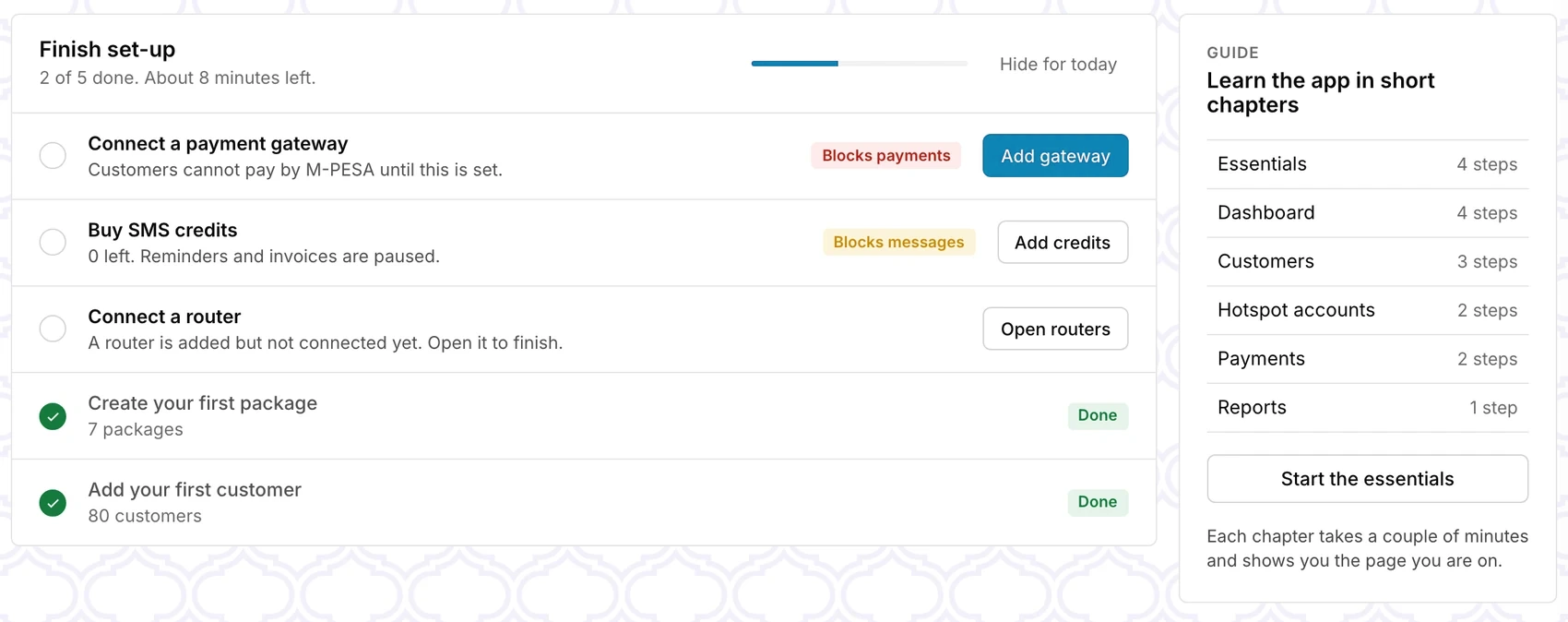
Your ISP, your identity. On every customer's phone.
Customers sign in, see exactly how long they have left, pay with M-PESA and raise a ticket without calling you. It carries your logo and your colour.

One for guests, one for subscribers.
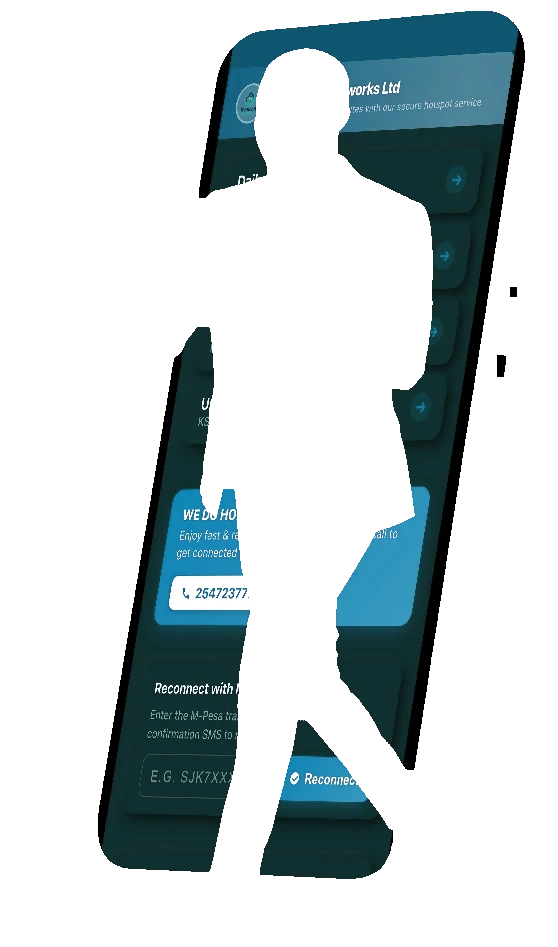
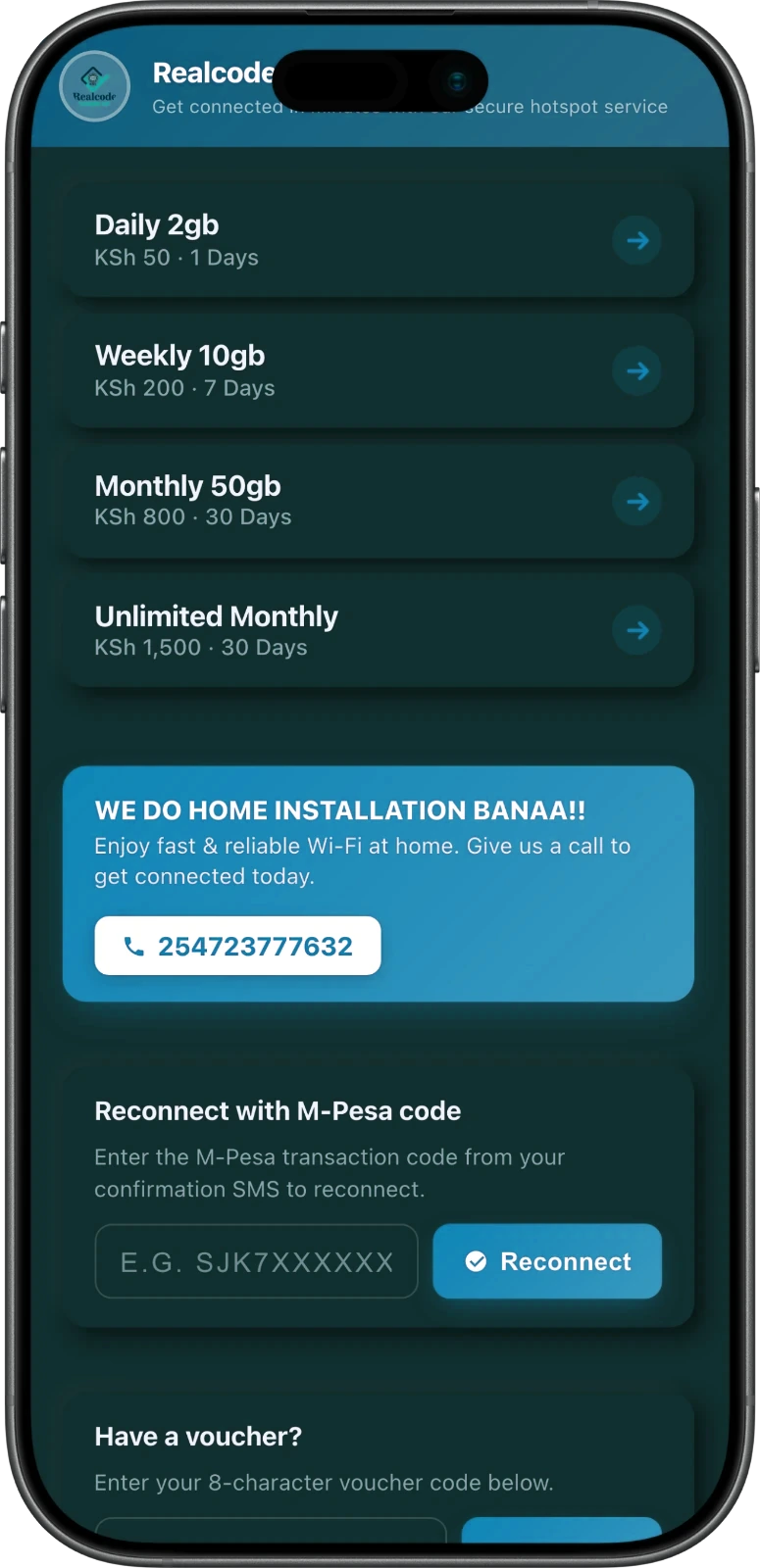
What a guest sees when they join your Wi-Fi.
Your packages with price and duration, one tap to pick one, and everything a returning guest needs on the same page.
- Packages with prices, picked in one tap
- Reconnect with an M-PESA transaction code
- Voucher entry for guests with a card
- Ad slots and an install-app button
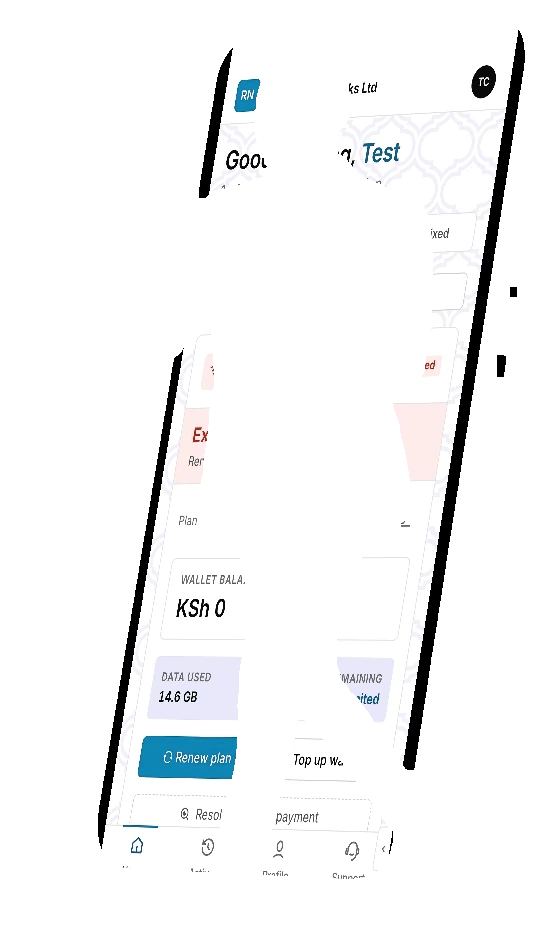
What a subscriber sees after they sign in.
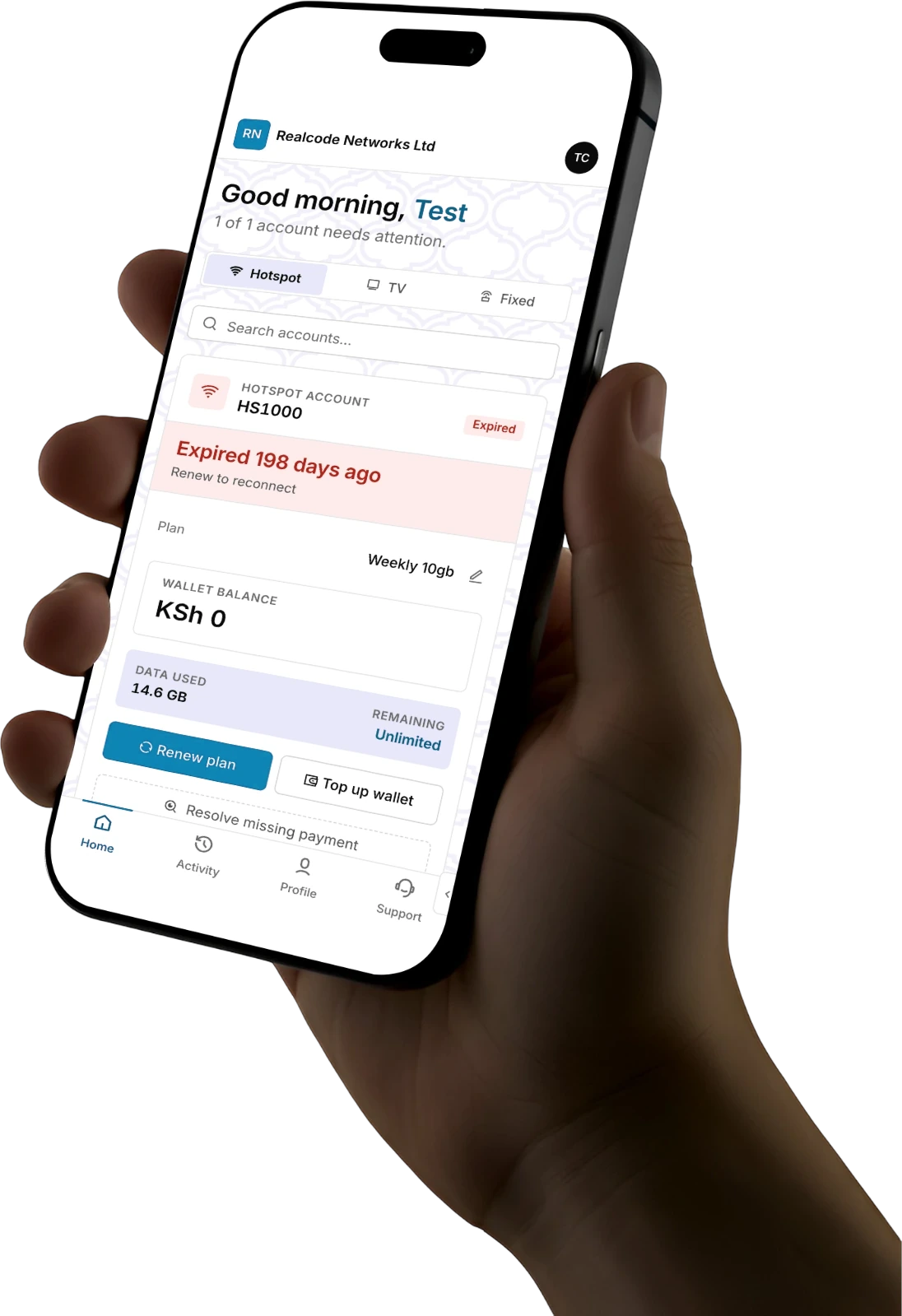
Hotspot, TV and fixed accounts in one place, with the balance, the plan and the way to pay, on a phone-first layout.
- Account status, plan, wallet balance and data used
- Renew a plan or top up the wallet
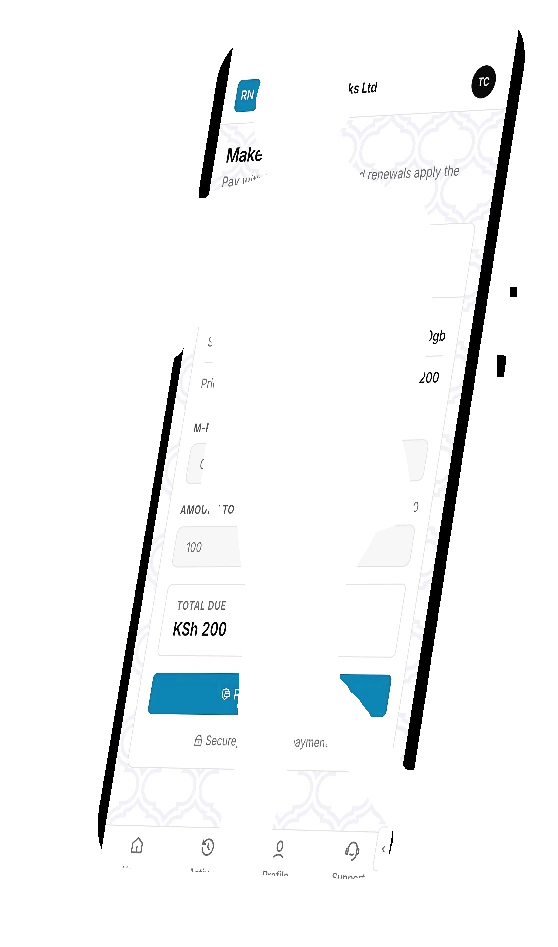
- Make payment by M-PESA
- Payment history grouped by month
Fewer calls to your desk.
Everything a customer used to phone about is on one screen.
Days left, always visible
Each account shows how long it has left, or how long ago it ended, with Renew as the one obvious action.
Pay and see it land
An M-PESA prompt, then a confirmation on the same page with the receipt code and the new expiry. Renewal is instant.
Usage and history
Real-time data usage, and payments grouped by month with what was paid in each.
Tickets and self-service
Raise a support ticket, change plan, manage devices and Wi-Fi, with no staff in the loop.
It looks entirely yours.
Upload your logo, pick your colour and type, and save as many themes as you like. Branded login and sign-up pages come with it, and you see every change live before it goes out.
- Theme, presets and brand colours
- Toggle which sections guests see
- Card style, background and layout
- Live preview while you edit